
 |
Thumbnal view icon in the toolbar |
In this view the files contained in the folder currently selected are displayed as thumbnails (small images). The thumbnail view is useful especially for folders containing many image files.
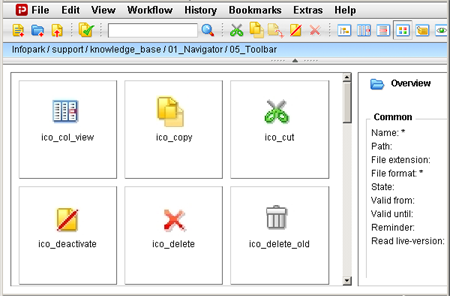
If one of the images is selected, an overview of the file’s most important file and version fields is displayed on the right-hand side.
In the navigation below the toolbar, click a folder name to display its contents as thumbnails. Clicking a folder in the thumbnail view itself will cause this folders contents to be displayed in the thumbnail view.