
The links contained in a link list can be sorted manually. To do this, proceed as follows:
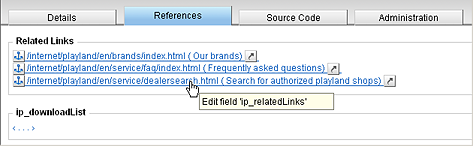
- Edit the link list by clicking the corresponding field in the
Content Navigator, for example on the References tab in the
details view:
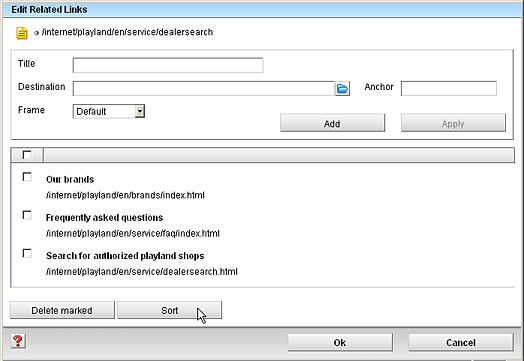
- In the link editing dialog, click the Sort button:
- Now move the links individually to the desired position using the mouse:
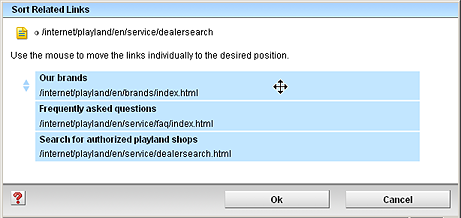
- Finally, click OK to return to the link editing dialog.